Paid Clipping Campaigns: See Which Ones Your Clips Already Qualify For
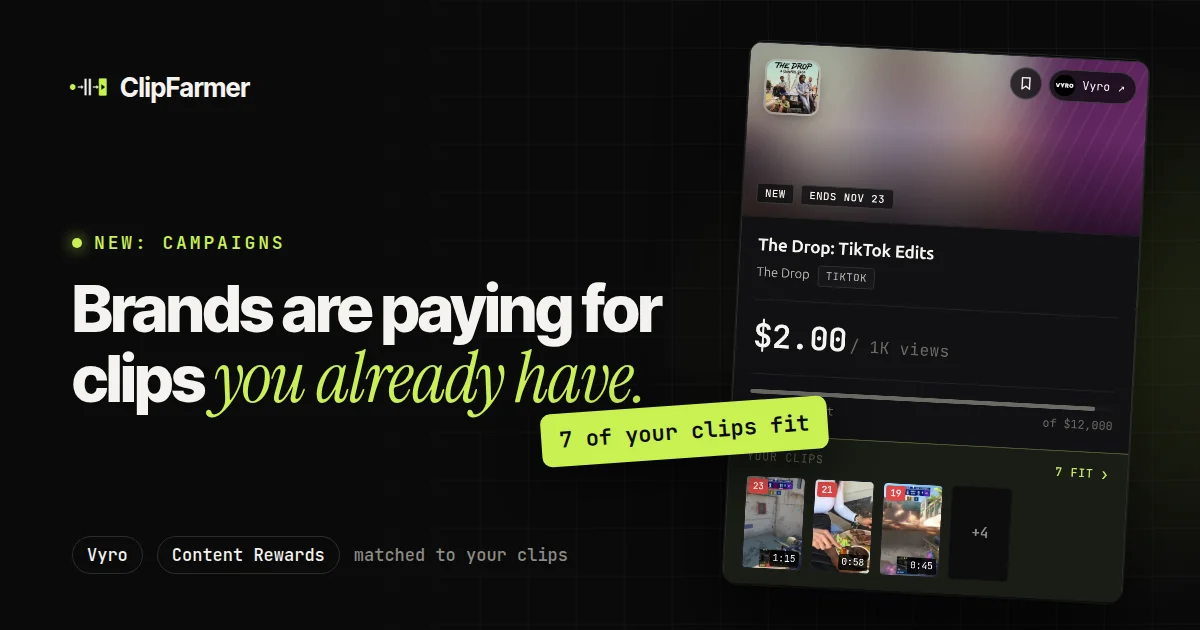
Brands pay clippers per view now. On the morning we shipped this feature, Vyro and Content Rewards had 767 open paid clipping campaigns between them, with roughly $1.65 million in budget still unspent.
Finding a campaign isn't the hard part. Working out which ones you can actually enter is. Every campaign has its own rules: a minimum clip length, the platforms it pays on, a hashtag to add. Checking all of that against a folder of clips, campaign by campaign, eats the afternoon you were supposed to spend posting.
So we built Campaigns. It's a new page in ClipFarmer that lists open campaigns from both platforms and checks each one against the clips already in your library. The ones you qualify for go to the top, with your matching clips sitting right on the card.
How do paid clipping campaigns work?
A campaign is a brand saying: post clips about our thing, and we'll pay you a set amount for every 1,000 views. A TV show wants emotional scenes on TikTok. A game studio wants gameplay moments on Shorts. A podcast wants its best minute on Reels.
Every campaign comes with three numbers and a set of rules:
- Rate: what you earn per 1,000 views. Across today's open campaigns the median is $1, and the middle half sits between $1 and $2.
- Max per video: a cap on what one clip can earn. The median cap today is $200, so one big video can pay well, but it can't drain the pool.
- Budget left: how much the brand still has to spend. When it hits zero, the campaign closes, even if the end date hasn't passed.
- Rules: a minimum (sometimes maximum) clip length, the platforms that count, hashtags or tags to include, and often a minimum view count before a video pays at all.
One thing to be clear on: ClipFarmer doesn't pay you. The campaign platform does. You join there, submit the video you posted, and they count the views and pay out under their own terms.
What does a campaign actually pay?
Do the math before you get excited about a rate. Take a campaign at the median: $1 per 1,000 views with a $200 cap per video. A clip that pulls 50,000 views earns $50. One that pulls 500,000 still earns $200, because the cap kicks in at 200,000 views. Past that, the extra views pay nothing.
So the best campaign isn't always the highest rate. A $2 campaign with a $40 cap stops paying at 20,000 views. A $1 campaign with a big cap and a full budget can be worth more if your clips tend to travel. And if a video has to hit 5,000 views before it pays at all, a clip that stalls at 4,000 earns zero.
Why is it hard to know which campaigns you qualify for?
Because the rules are different every time, and half of them are hidden. Of the 767 campaigns open today, 414 only show their full brief after you join. You can't check what you can't see.
The rules you can see still add up. One campaign wants 15 seconds or more. The next wants under 60. A third only pays on TikTok and X. If you have 50 clips and 700 campaigns, that's 35,000 combinations nobody is going to check by hand. So most people pick a few campaigns that look good, then go hunting for a clip that fits. We flipped that around.
What does the ClipFarmer Campaigns page do?
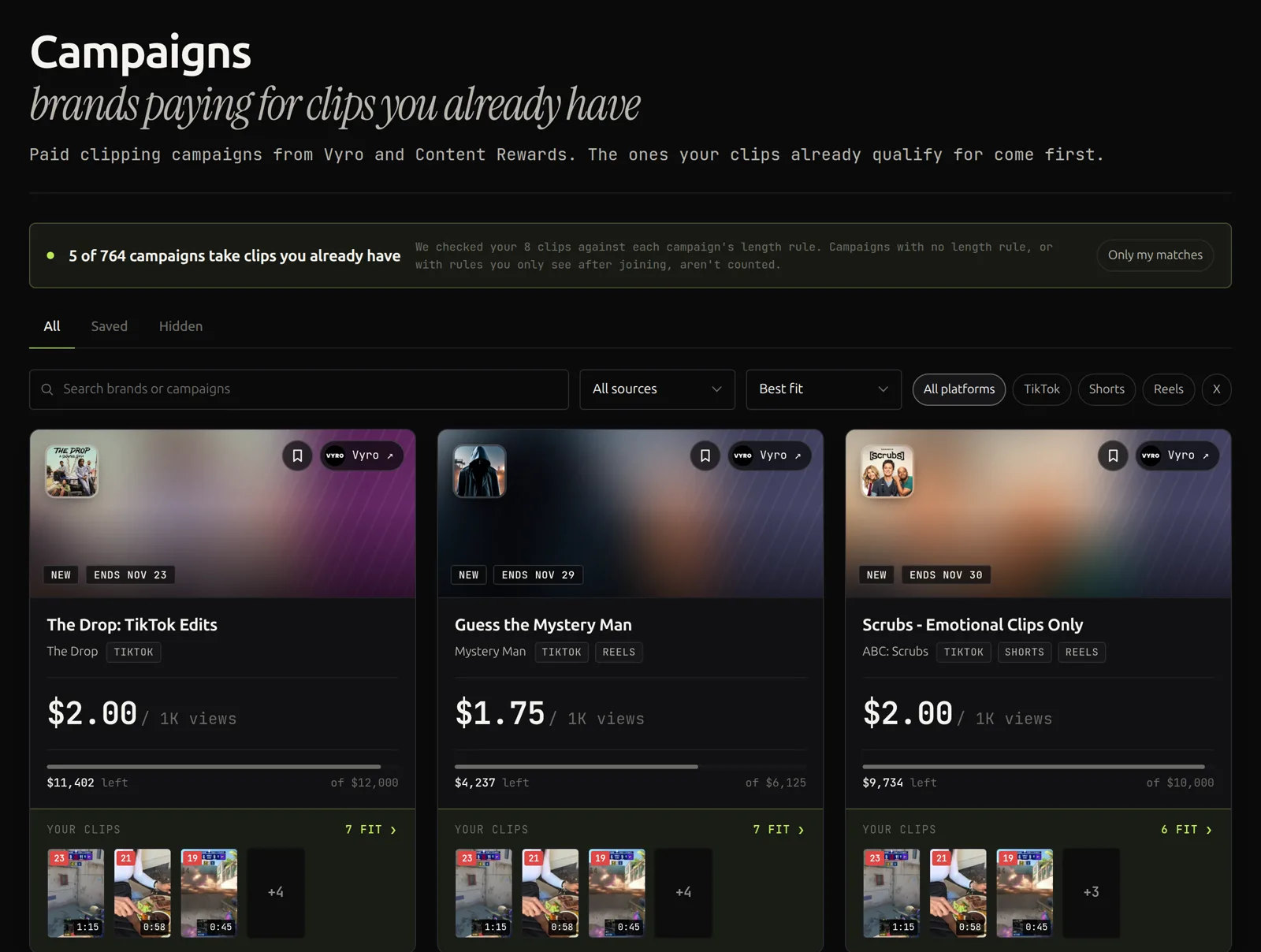
It starts with the clips you already have and works outward. Open the page and you see a line at the top telling you how many campaigns your library already fits, for example "5 of 764 campaigns take clips you already have." Hit Only my matches and the board drops everything else.
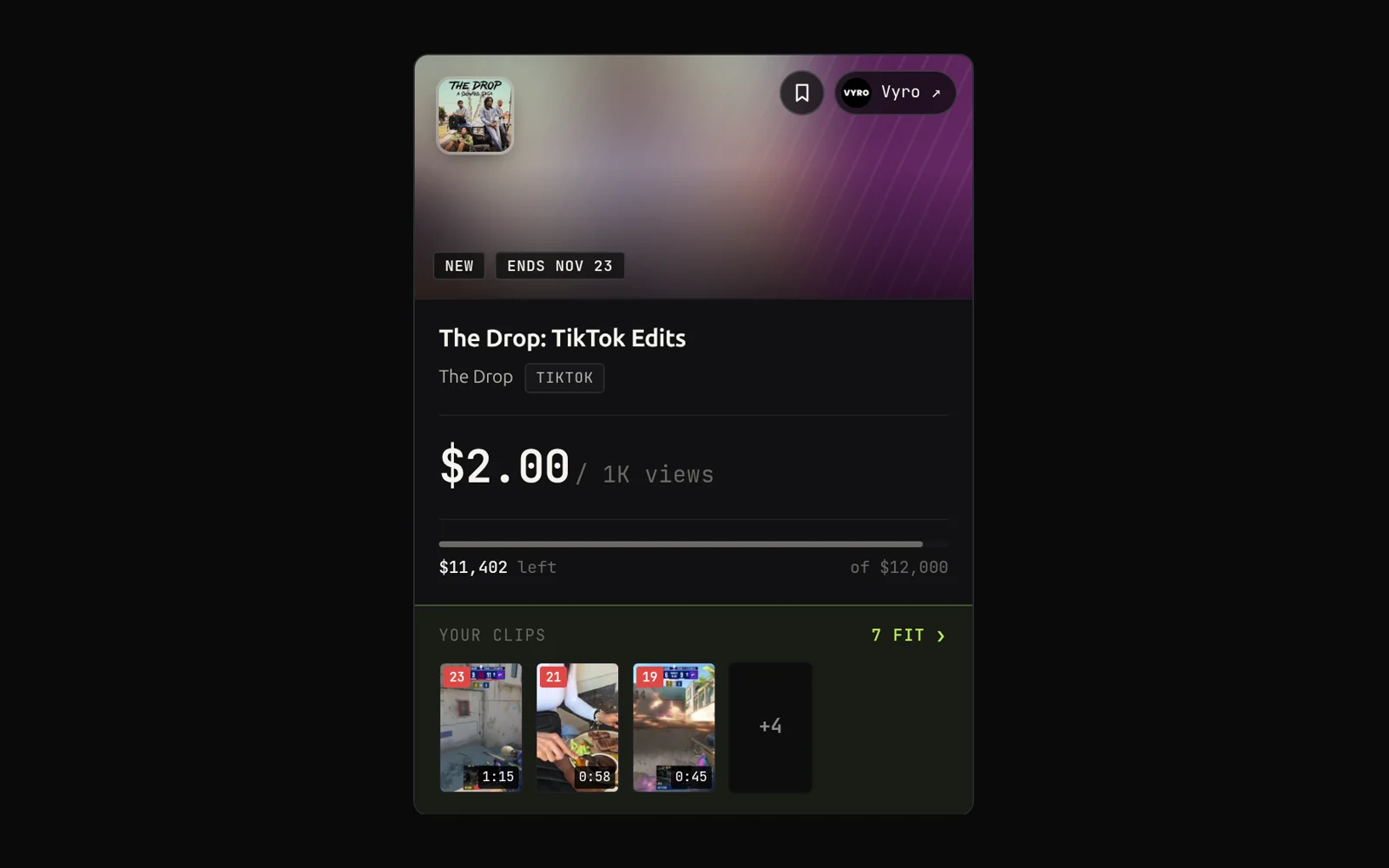
Each card is split in two. The top half is their offer: brand, platforms, rate, max per video, and a bar showing how much budget is left. The bottom half is yours. It shows thumbnails of your clips that pass the campaign's length rule, ranked by Hype Score, with a count like "7 fit." No clips that fit? It tells you that too, and what length you'd need.
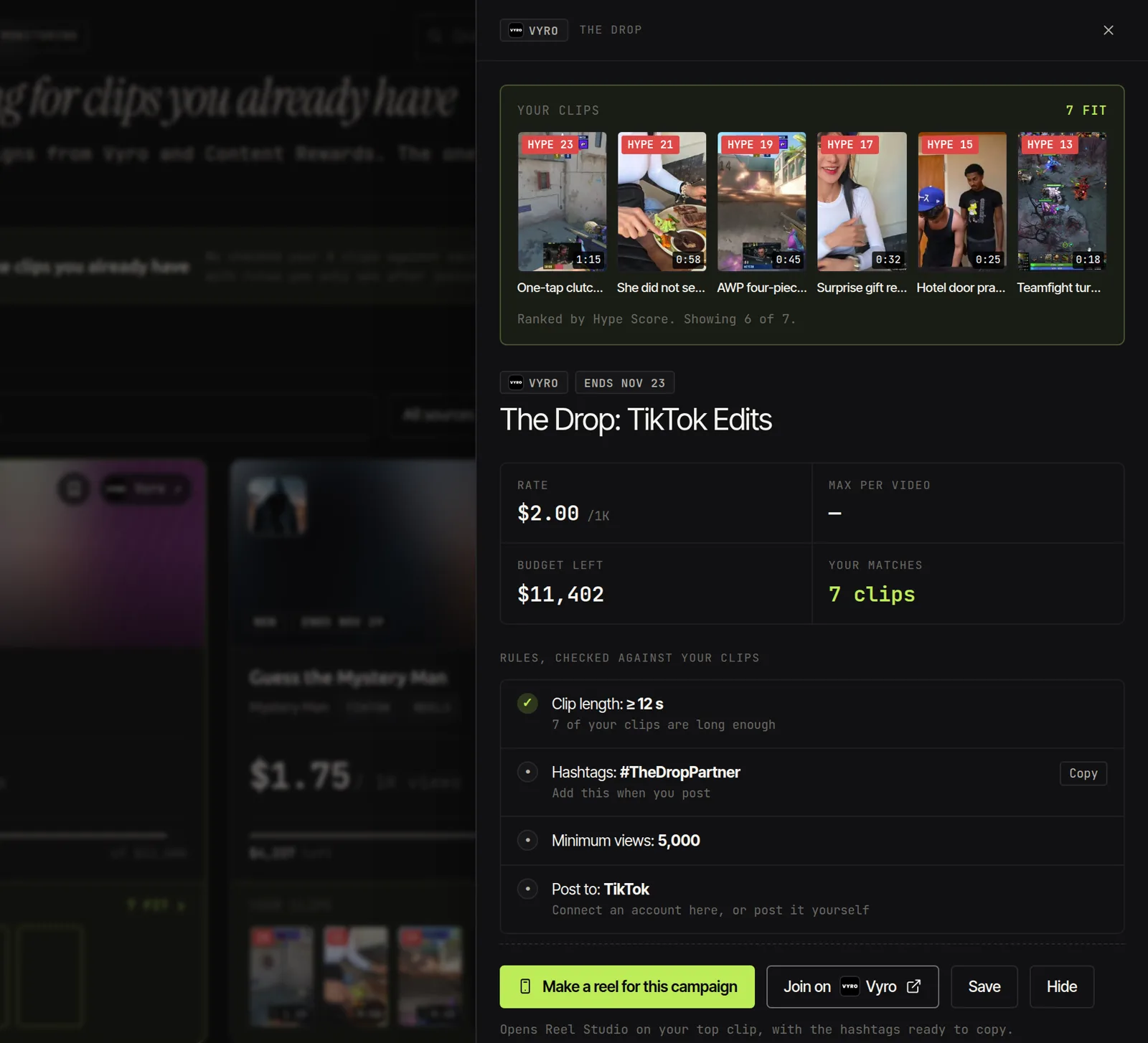
Click a card and a panel opens with your matching clips first, then every rule we could read, checked against your library. Length gets a green tick when you have clips that pass. Hashtags come with a copy button. If a campaign asks for captions, the panel points you to Reel Studio, which can burn them in on plans that include auto captions.
How do you go from a match to a paid post?
- Open Campaigns and turn on Only my matches.
- Pick a campaign. The best rate isn't always the best pick. Check the budget bar, since a nearly empty pool can close before your views come in.
- Click Make a reel for this campaign. Reel Studio opens on your top matching clip, ready to turn into a 9:16 vertical video.
- Copy the hashtags from the rules list and post the reel to a platform the campaign pays on.
- Click Join on the campaign's platform logo, join there, and submit your post's link. That's where your views get counted and paid.
Bookmark a campaign to keep it in Saved. Hide the ones you'll never do. Both stay put between visits, so the board gets more useful the more you use it.
Which platforms do paid clipping campaigns pay on?
Mostly TikTok. Of today's open campaigns, 711 pay on TikTok, 646 on Instagram Reels, 461 on YouTube Shorts, and 172 on X. Many pay on more than one. You can filter the board by platform, so if you only post Shorts, you only see campaigns that pay for Shorts.
What about the campaigns with hidden rules?
We're upfront about those. If a campaign hides its rules until you join, the card says "Rules show after you join" instead of pretending to match. We don't count those campaigns in your matches, and we don't count campaigns with no length rule either. If we told you every clip fits a campaign that doesn't say what it wants, the count would be meaningless.
This is also a good reason not to treat a match as a guarantee. A match means your clip clears the rules we can see. The brand can still reject a post for content reasons, so read the brief once you join.
Who is Campaigns for?
Anyone already making clips with ClipFarmer. Streamers clipping their own lives on Twitch, Kick, or YouTube. Clip channels that follow a handful of creators. If clips are piling up in your library, Campaigns is a way to get some of them paid.
It's included on every plan. There's no separate add-on and no extra limit on how many campaigns you can browse.
Where do the campaigns come from?
From Vyro and Content Rewards, two platforms where brands post campaigns for clippers. We bring their open campaigns into one board and keep it updated through the day. When a campaign closes or runs out of budget, it drops off. You always join and get paid on their side; ClipFarmer just shows you where your clips already fit.
If you haven't set up clipping yet, start with how ClipFarmer finds the moments worth clipping in the first place. Better clips mean more matches.